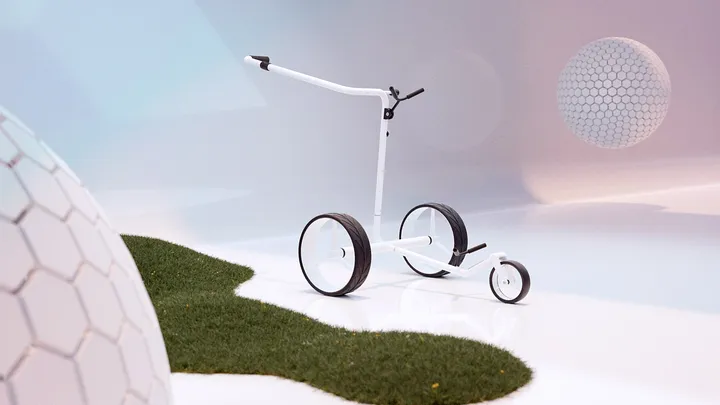
01White studio Scene
Your customers put their product together themselves and see every variant right away as a 3D model, in the browser and on their phone. I build the configurator and connect it to your shop, so prices are right and every order arrives complete.
Colors, materials, add-on parts and dimensions change live on the 3D model. Instead of producing and maintaining hundreds of product photos, one model shows every possible combination.
Which options go together and what they cost stays in Shopware or WooCommerce. The configurator reads it from there, so prices live in one place only.
The chosen configuration arrives in the cart with all its parts, with article numbers that warehouse and production understand. I plan this connection from the start.
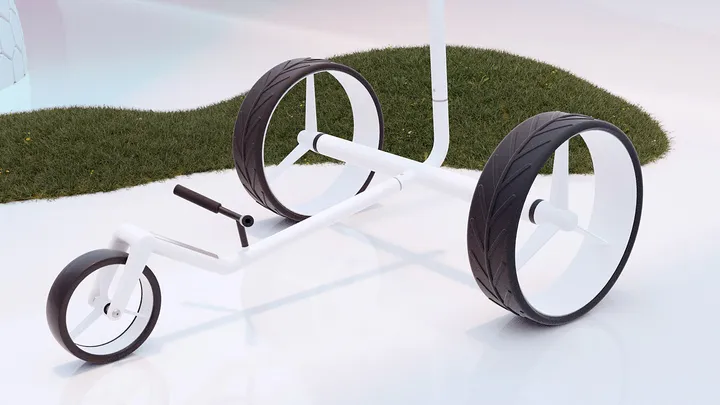
This trolley’s model is smaller than 1 MB. On weaker devices the display quality adapts, and without 3D a still image appears.
A configurator pays off when a product comes in many versions that photos can hardly show. Typical examples:
Covers, woods, sizes and modules, from an armchair to a wardrobe system.
Colors, equipment and accessories, like the golf trolley on this page.
Paint, wheels, bodies and accessories, for trailers and commercial vehicles too.
Sizes, finishes, handles and glazing, with rules for what fits together.
Assemblies and options that sales would otherwise explain with drawings and catalogs.
Versions, finishes and accessories that a preview shows better than a table.
Each product needs one model. Colors and materials are settings on it, not separate files. This is how it is made:
Exports from your engineering are the best basis. I simplify them for the web so they load fast and stay accurate.
Models from renderings, from the manufacturer or from an agency, prepared so the parts you want can change on their own.
If there is no data, I build the model in Blender from photos, dimensioned drawings or a sample.
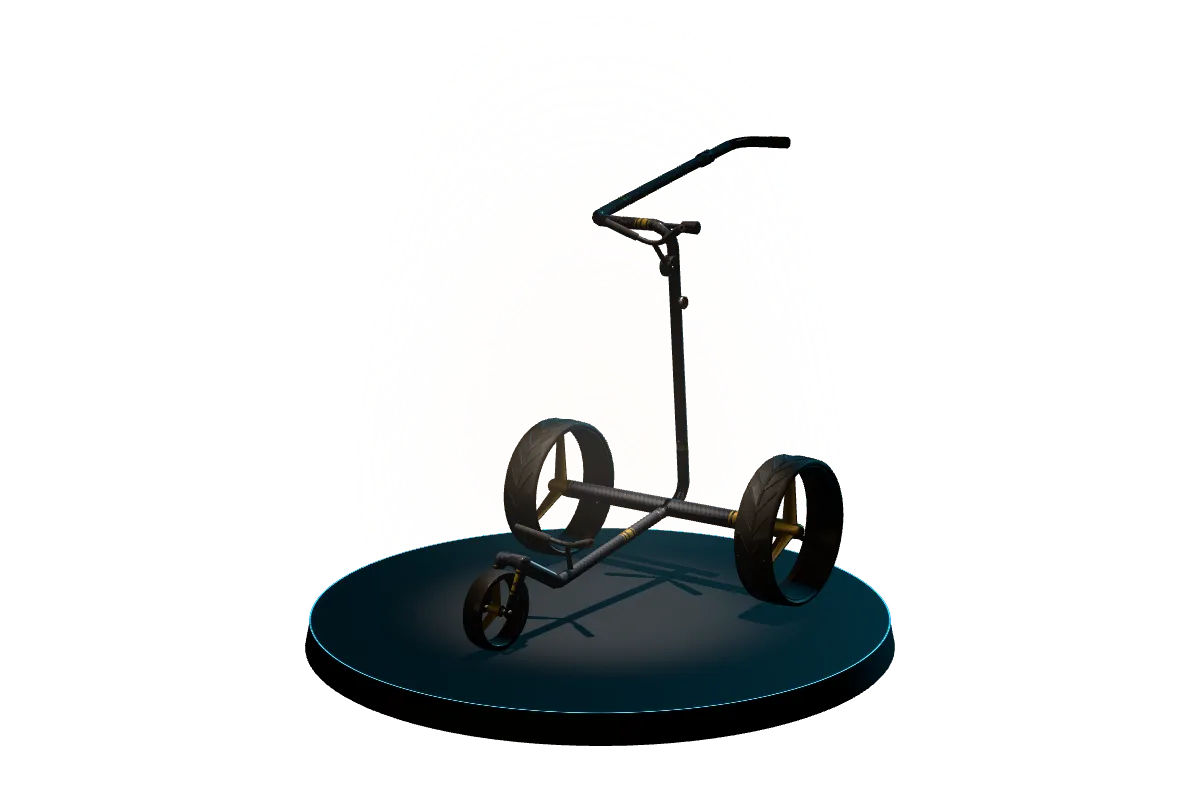
In a shop, each of these becomes a line in the cart, with the article number and price from the shop.
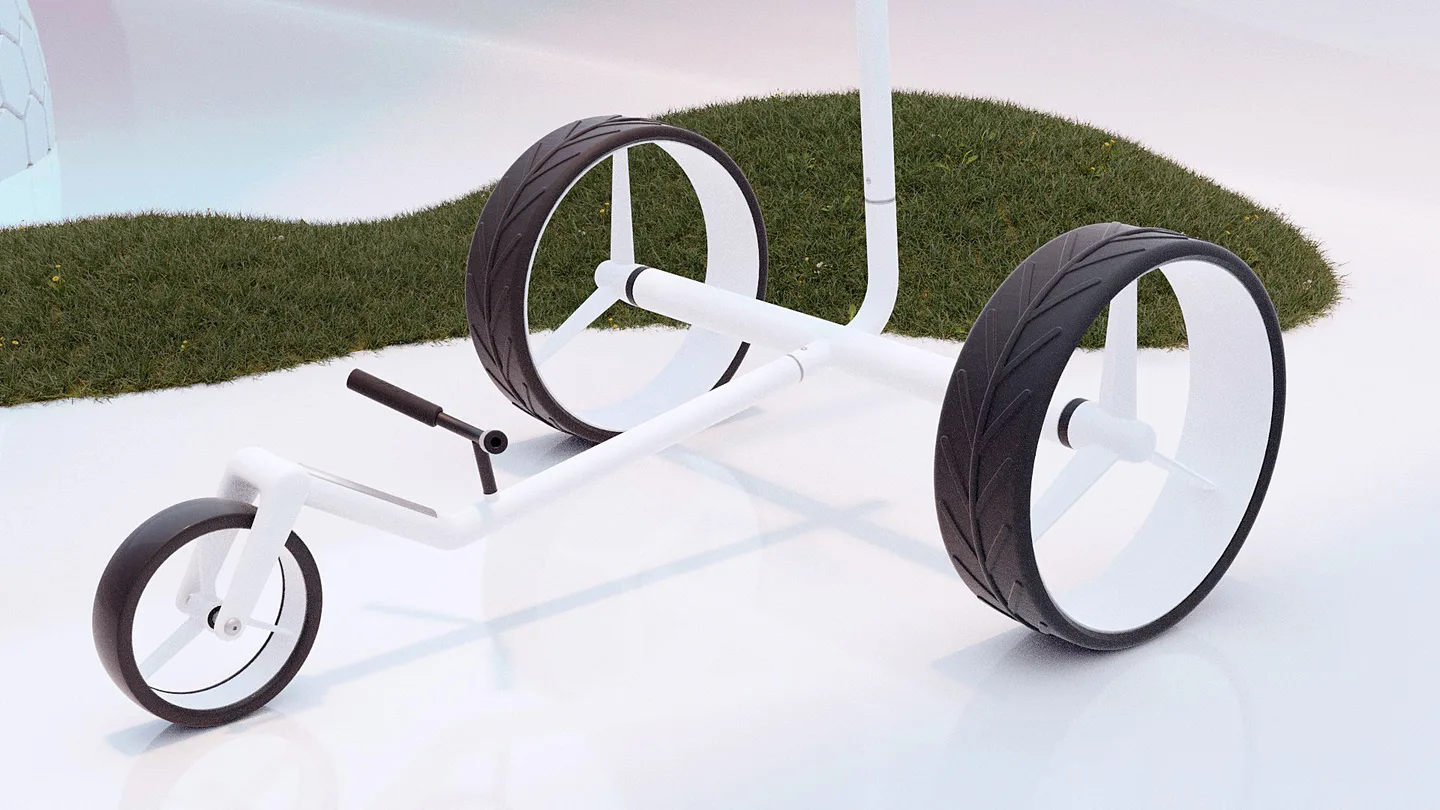
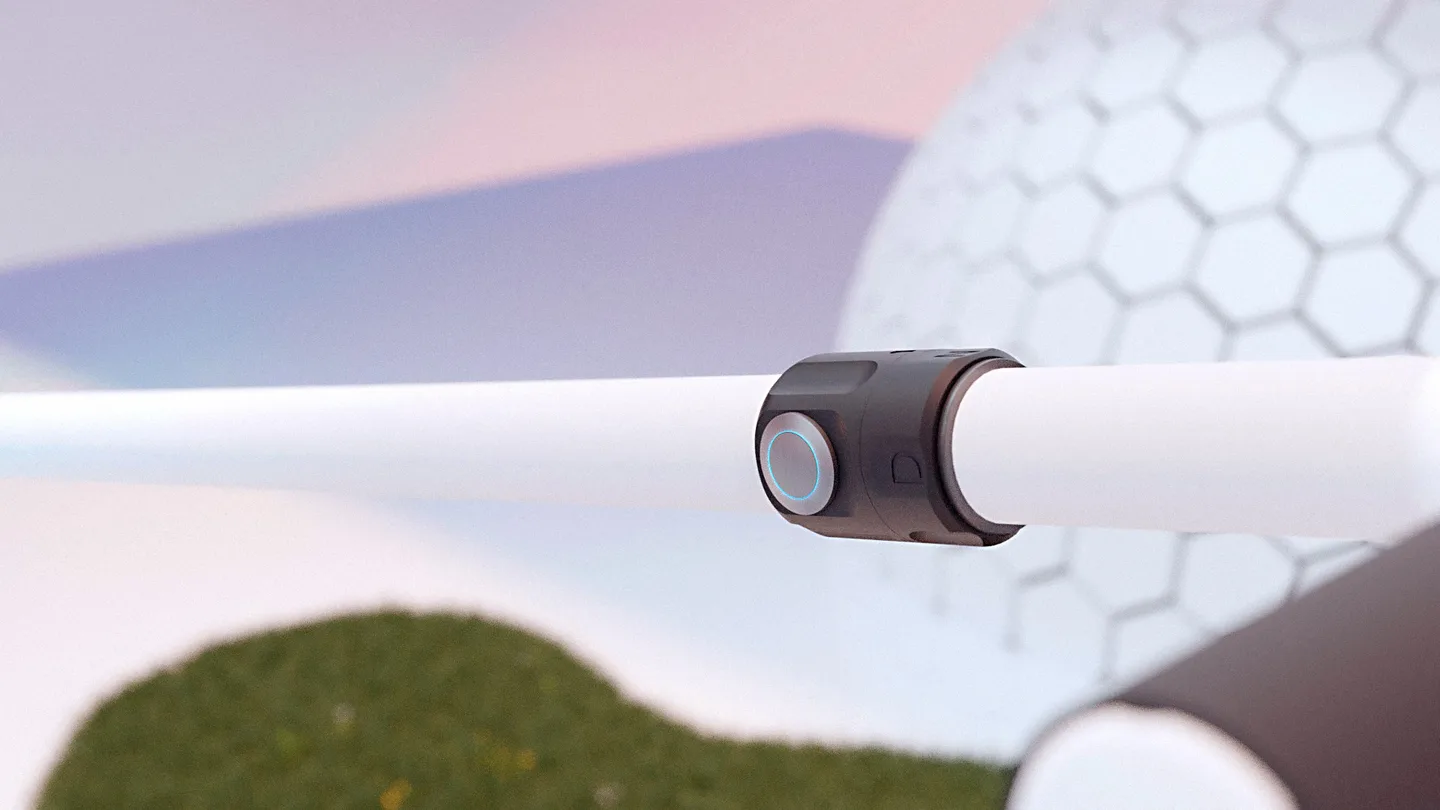
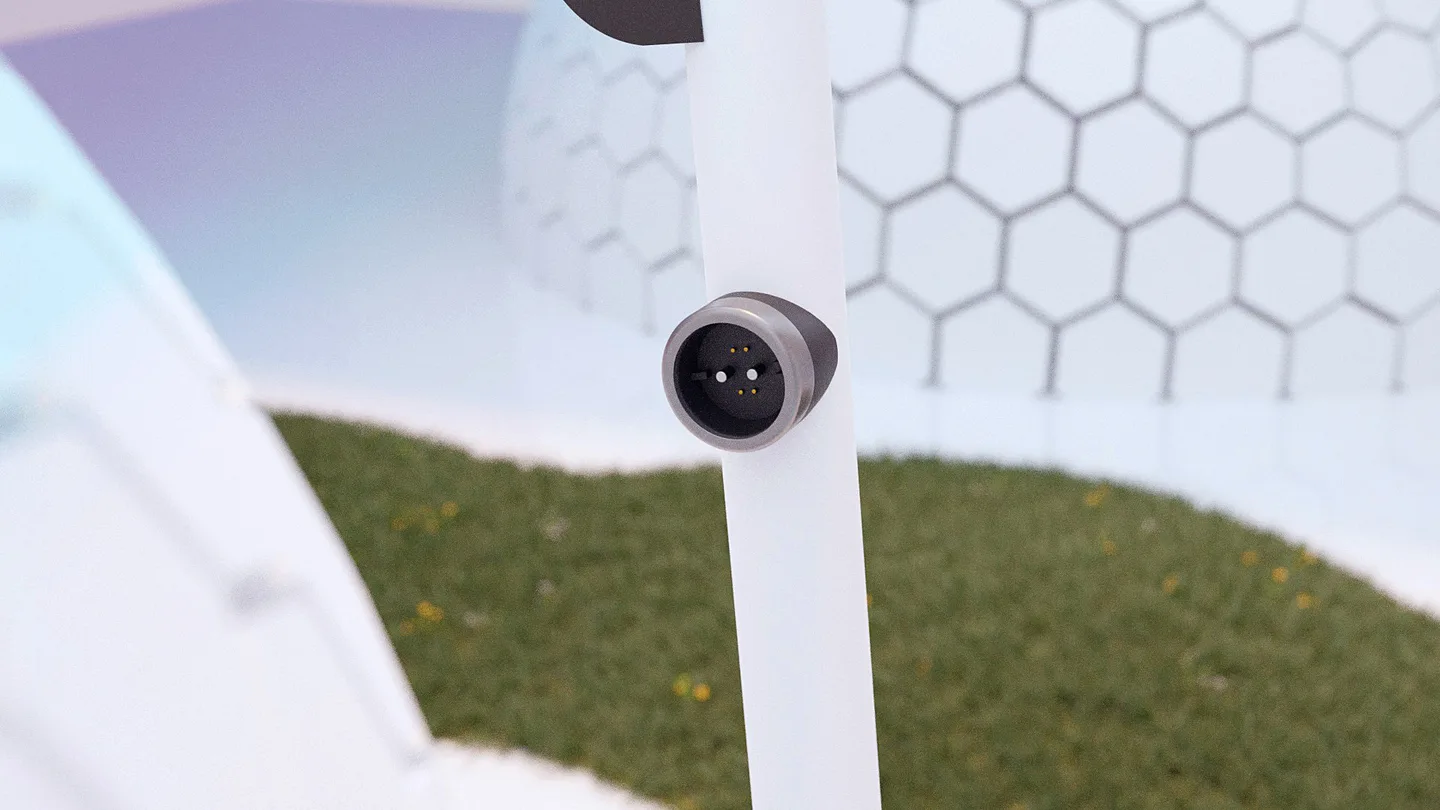
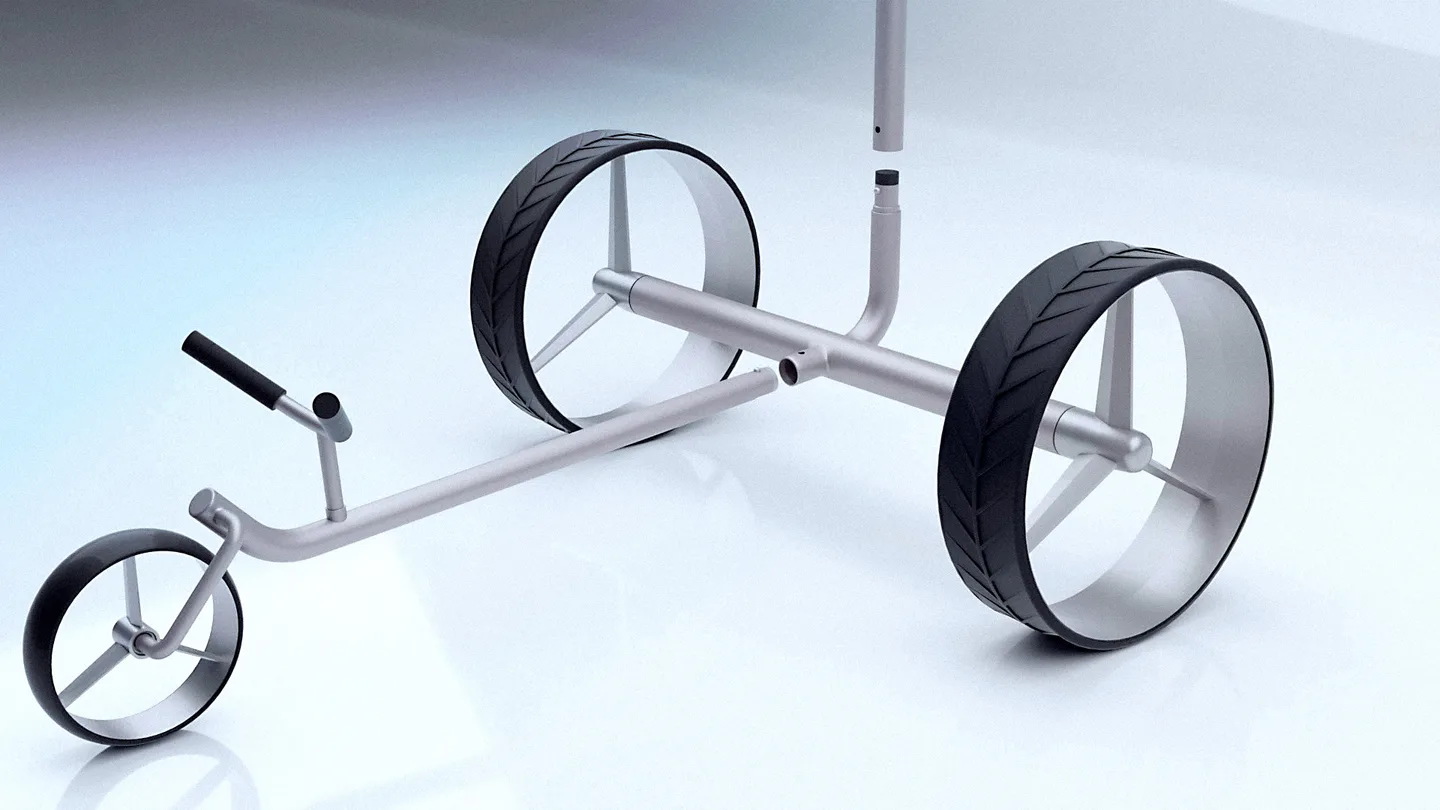
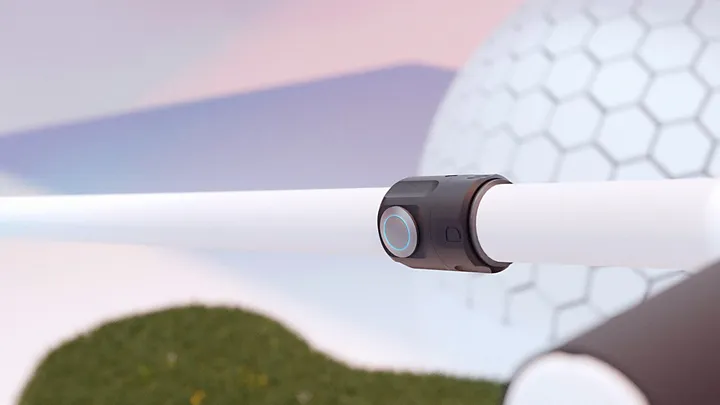
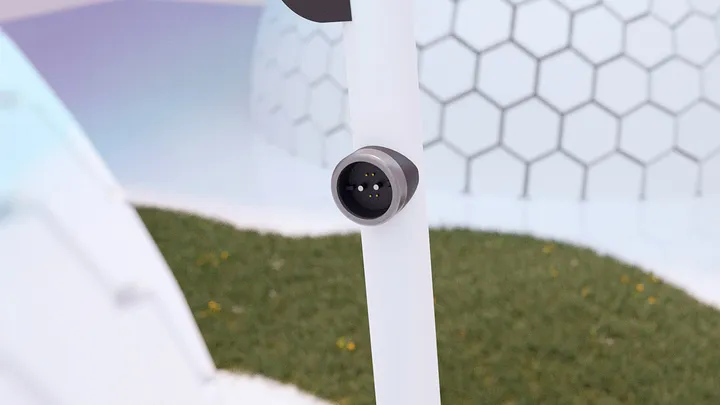
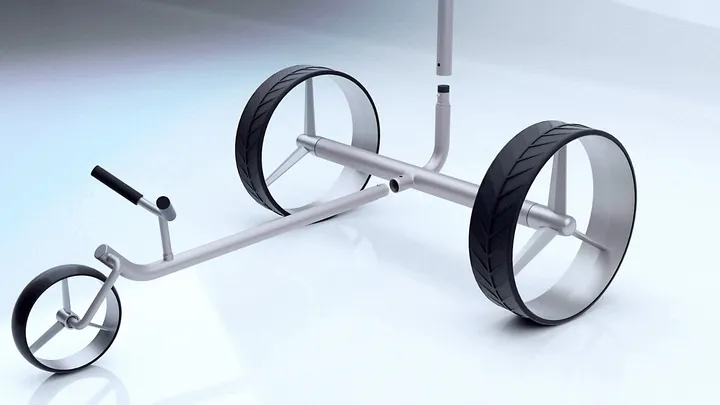
A product photo shows one view. On the 3D model the camera goes where your customers want a closer look: to the power connector, to the switch on the handle or to the plug connections where the frame comes apart.
Every chosen option becomes a line with the article number and price from the shop. The order goes through the usual checkout.
For products you quote individually, the configuration goes to your sales team as an enquiry with every option.
A configuration can be saved and sent on, to colleagues, to a dealer or to you.
If your processes need it, I plan the hand-over to your ERP or production too, for example as a parts list.
Off-the-shelf configurator software is usually licensed monthly and sets how things look and work. I build the configurator for your products and your shop. There is no monthly license fee, and you get the source code. I am your contact from the 3D model to the shop connection and look after the configurator after launch too.
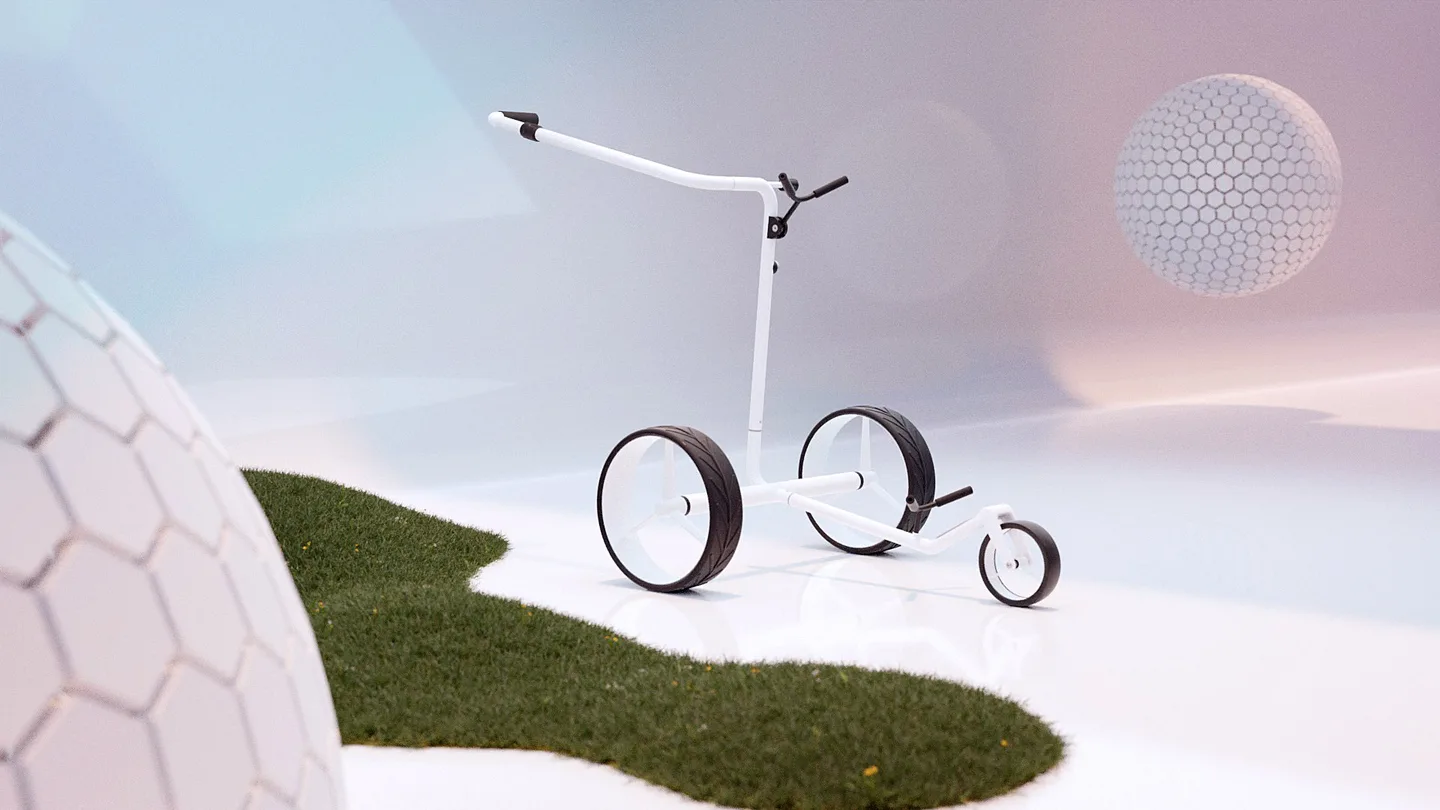
The same model that runs in the configurator can also be used to render product photos: in any scene you can imagine, in every colour and from every angle. That takes no photo shoot and no sample product.
In a first call we work out which products and variants the configurator should cover, what data already exists and where the finished configuration should go. After that you get an estimate of the effort.
CAD data, existing models or photos and dimensioned drawings become lean models, split into the parts that should change.
I build the controls, link the options to the articles in your shop and check prices and cart with test orders.
Testing happens on real devices, including a simple, older smartphone. Then the configurator goes live and can be extended one product line at a time.
Tell me briefly about your product and its variants, and we will set up the first call.
Start a project Prefer to call?+49 211 174 205 79What works with the trolley works with your product just the same. Tell me what you sell and which versions there are. I will tell you what a configurator for it can look like and what it costs.
Start a project The biggest items are the 3D models (how many there are and whether CAD data exists), the rules between the options and the connection to your shop and ERP. After the first call I give you the effort in hours. It often makes sense to start with one product line.
That depends mainly on how many variants there are and whether models already exist. Starting with one product line shortens the way a lot. After the first call you get a schedule.
Yes. The configurator is added to your shop as an extension. Articles, prices and availability stay in the shop, and the order goes through the usual checkout.
Ideally CAD data from engineering, which I simplify for the web. If there is none, the model is built in Blender from photos, dimensioned drawings or a sample.
Yes, if it’s planned for that from the start. Lean models, compressed textures and a display quality that adapts to the device keep it smooth.
No. It only loads when it comes near the visible area, and the trolley model on this page is smaller than 1 MB. The rest of the page loads as fast as before.
Ready-made solutions are quick to set up, but cost license fees for as long as you use them and set how things look and work. A custom build pays off when your products, rules or shop have special requirements, or when you want no ongoing license costs.
I do, if you like. I add new products, colors or options, and I check updates of your shop on a test copy first.
Sample models in “What does your product look like?”: sunglasses and wrist watch (after “Chronograph Watch Mudmaster” by graphiccompressor) by Eric Chadwick, Darmstadt Graphics Group; table lamp by Eric Chadwick, Wayfair; sneaker by Shopify; all CC BY 4.0, adapted for this page. Armchair: Wayfair, sideboard: Poly Haven, both CC0.